
Website and business tools for your pest control business
Locally 360 gives pest control businesses a website on a design built for the trade, with quote request forms, crews and dispatch, and invoices that repeat for quarterly service plans. It's $50 a month, with no minimum term.
Questions first? Email support@locally360.app. We reply within three business days.
| Price | $50 a month, the same for every owner. No minimum term. |
|---|---|
| Service plans | An invoice repeats quarterly, or weekly, monthly or yearly, as a draft you send. |
| Licences | A Licences And Certifications section in every pest control design. |
| Technicians | Dispatch emails the address and job notes. No logins. |
| Your first pages | You build them in the editor, from a blank page set. |
Pest control designs
Discreet home service, full product disclosure, commercial compliance, protocol: each design makes a different case.
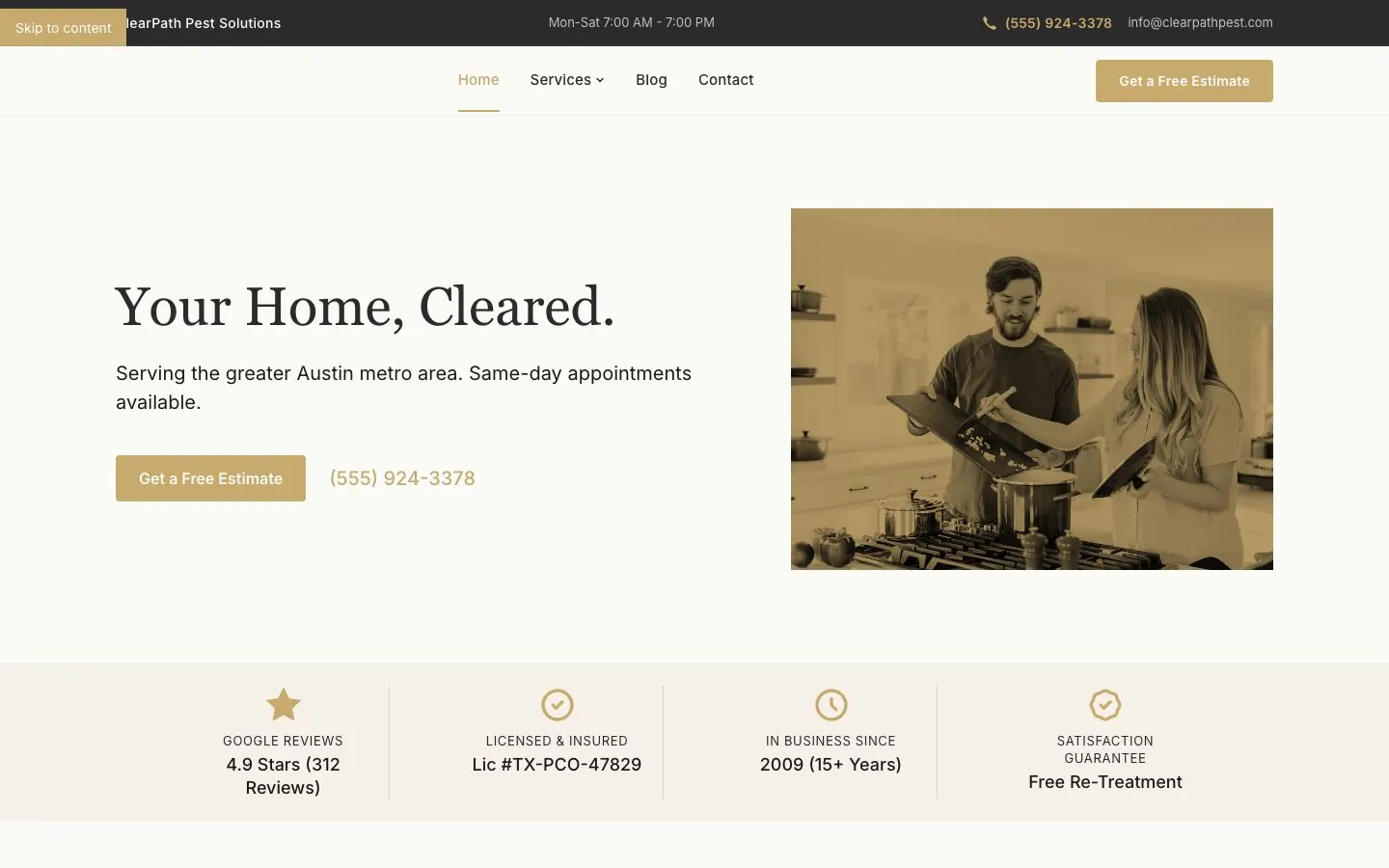
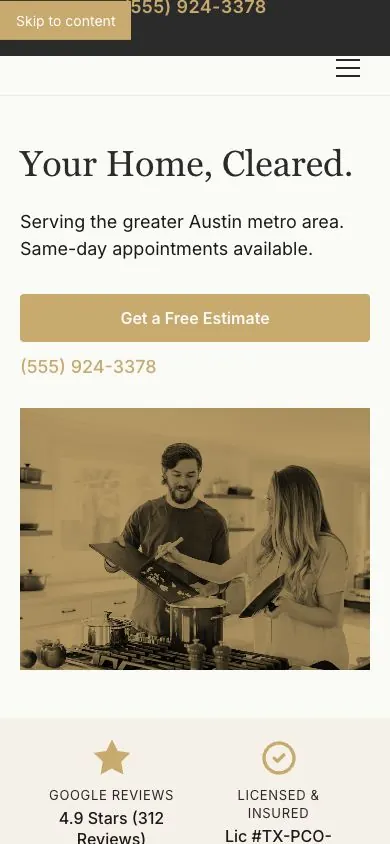
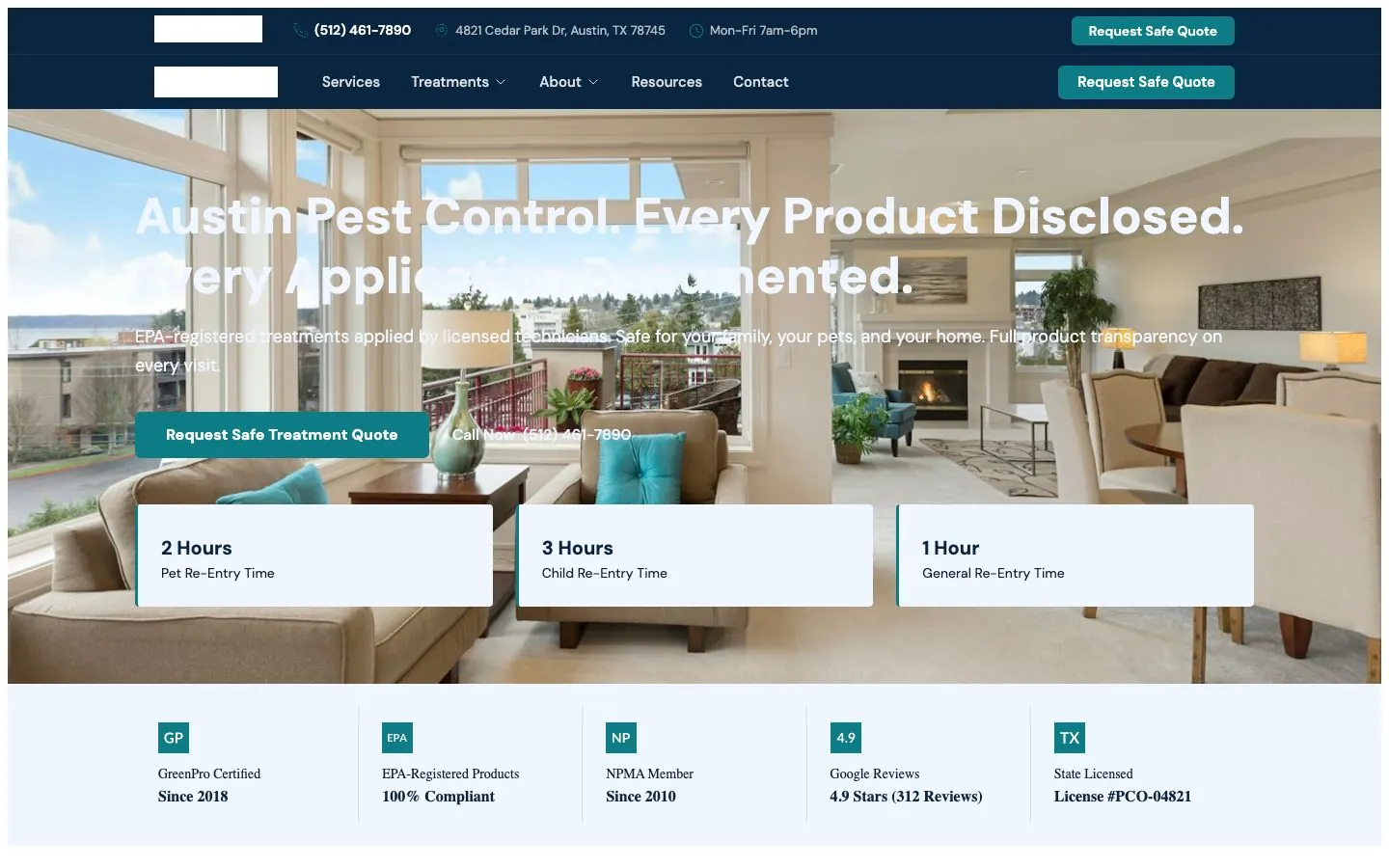
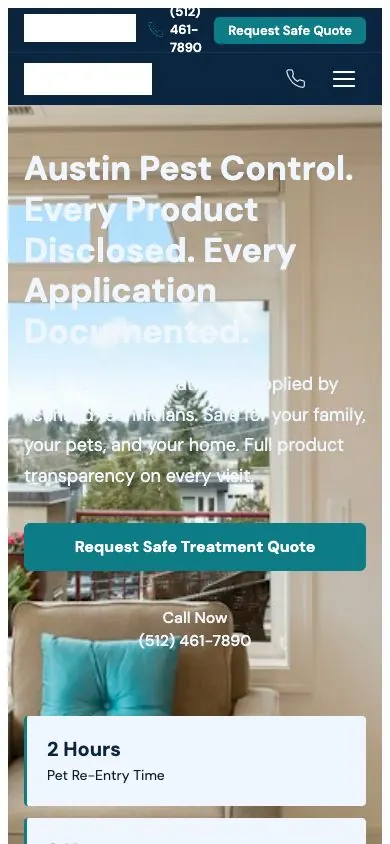
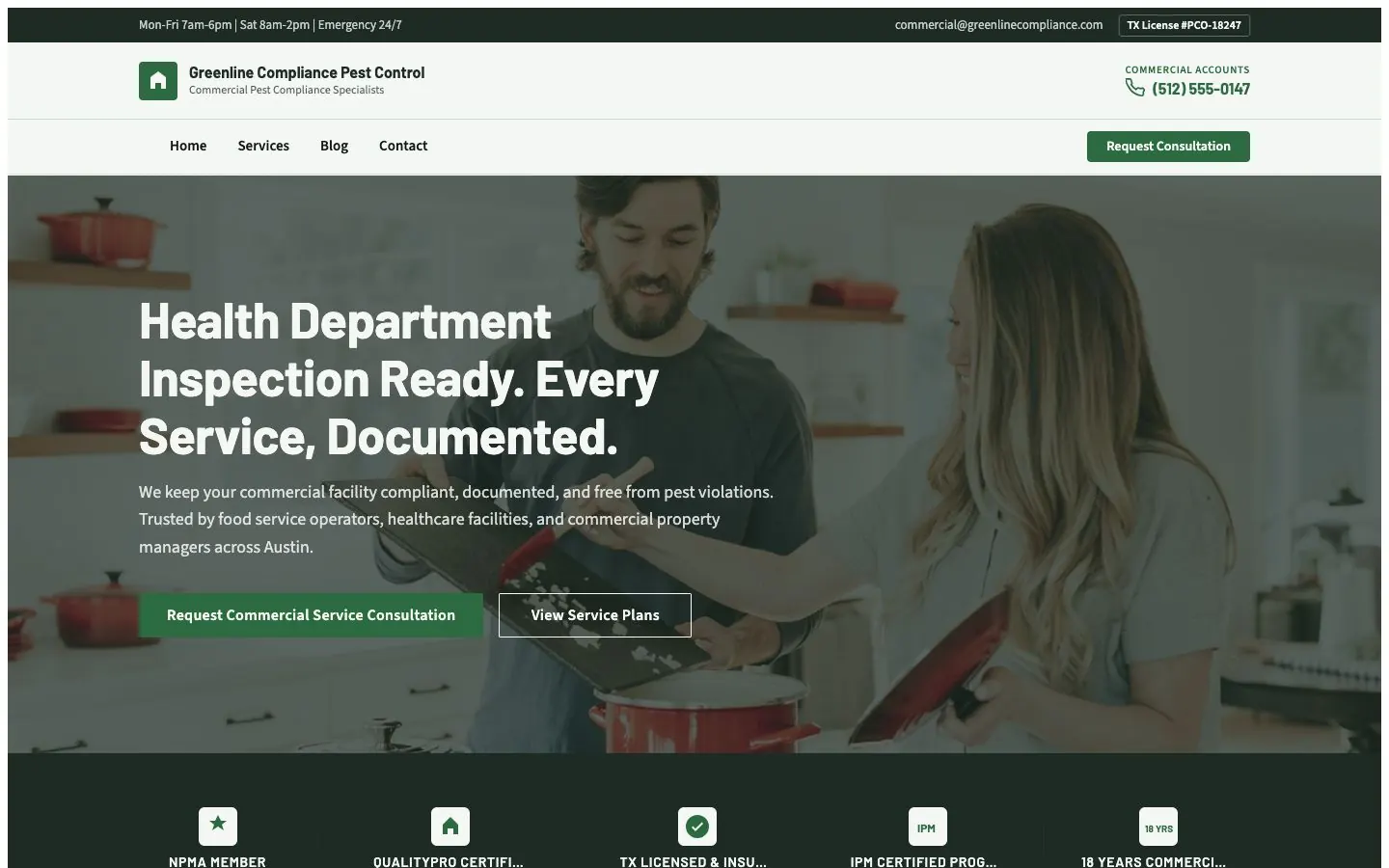
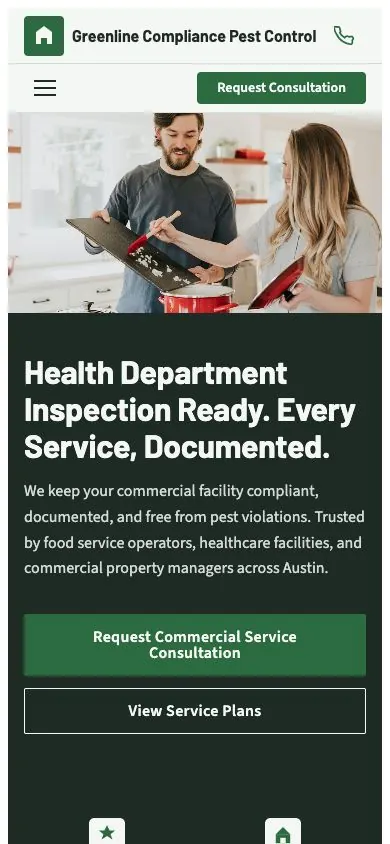
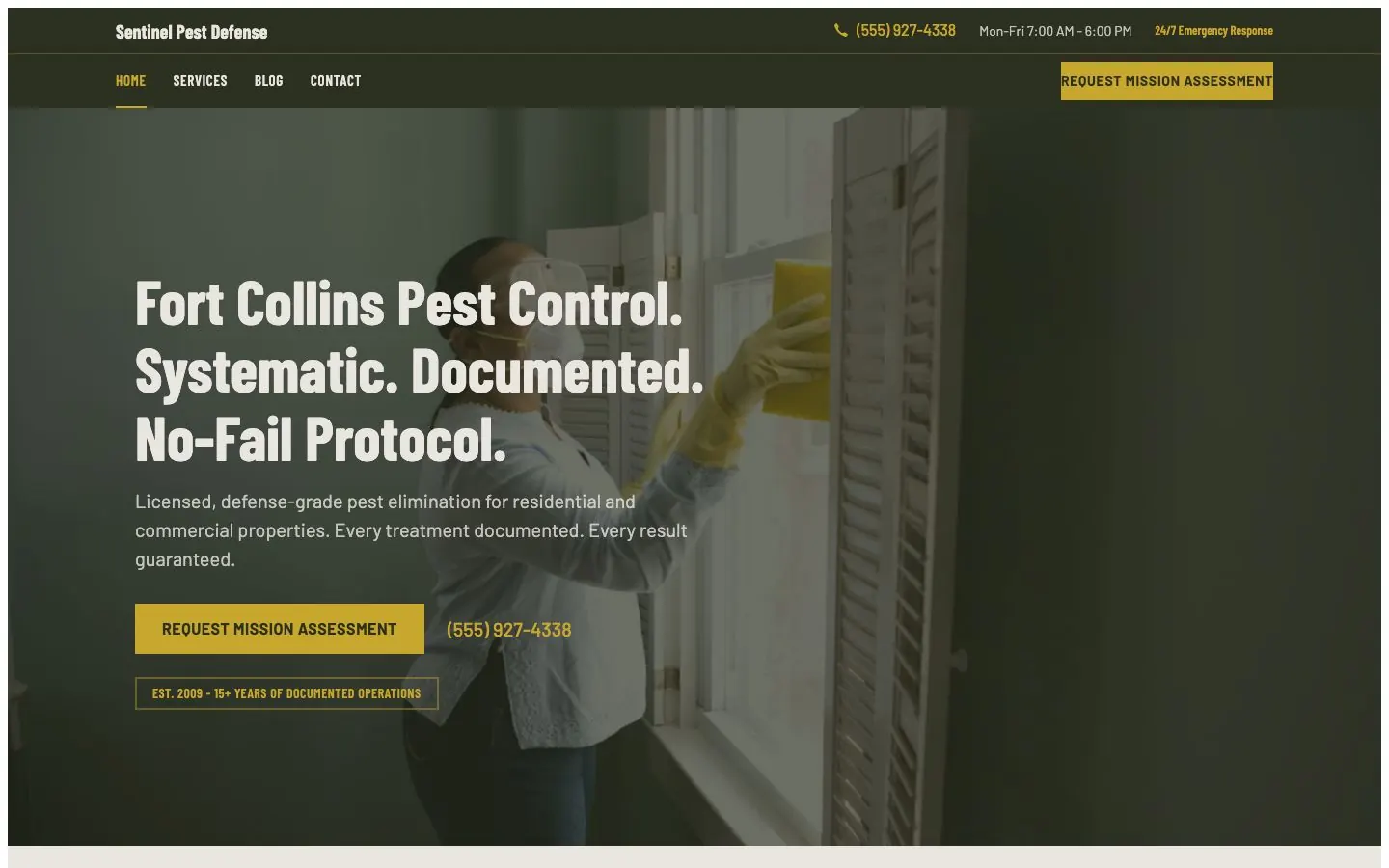
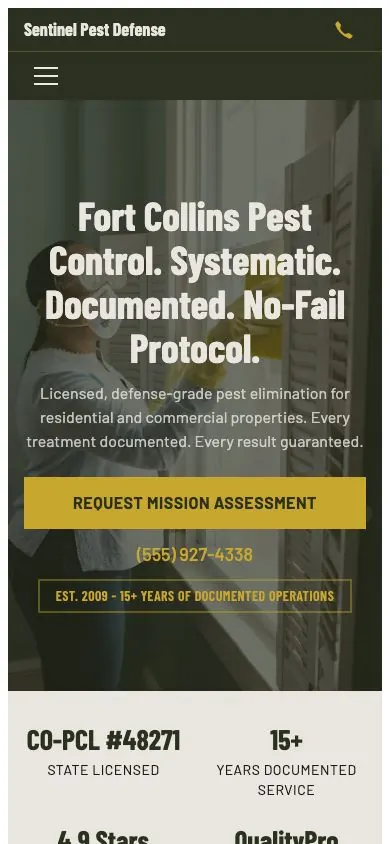
Sample sites with made-up businesses. None of them is a customer. Drag, or use the arrows.
One quarterly service plan, inquiry to repeat billing
A homeowner on a four-visit plan for ants and spiders. Every name and number is made up.
Ask about a service plan
Name
Address
What are you seeing?
Details
Step 1. A homeowner fills in the form on your site. You get it in your lead inbox and by email.
Quarterly perimeter treatment
Marisol Vega, 1630 Bluebonnet Ln
Dispatch
Crew
Ray Okafor
Step 2. Add the first service as a job and assign the technician. A crew can be one person, with an email or without.
Customer name
Marisol Vega
Repeat this invoice
Every
Due after
Step 3. Set the invoice to repeat quarterly, due after the days you choose. Each quarter a draft is ready for you to number and send.
Your invoices and bookings
Quarterly treatment, visit 2
$129.00
CP-3104
Quarterly treatment, visit 1
CP-2987
Initial service
Step 4. Their customer portal lists every invoice and booking with you. They sign in with a link by email, and there is no password.
How your site starts
There's no setup questionnaire for pest control. You build the pages in the editor, on your design.
- 1 Sign up with your name, email, phone and business name, then confirm your email.
- 2 Press Set up site and choose one of the pest control designs. Open its design sample first if you like.
- 3 Press Open the editor. There's no questionnaire for pest control, so you start from a blank page set: add your pages, place your design's sections and fill in each one.
- 4 Press Pay and go live, accept the agreements, and pay the $50 a month by card.
- 5 Publish, then turn on Let search engines find this site. A new site starts hidden from search.
You can switch designs until the site has pages. After launch, a design change goes through support.
Questions first? Email support@locally360.app. We reply within three business days.
What you do in the editor
- Add page for each page you want
- Component to add, for each of your design's sections
- Fill in what it marks Still needed
- Save as you go, then Publish
Not in the $50 for your pest control business
- A chemical-use or application log. Keep those records where you keep them now.
- A customer list. Each invoice carries the customer details.
- Automatic sales tax. You set your own rates.
Also not offered: review management, Google Business Profile posting, social media, ads, email hosting, texting, backups, domain registration, or us editing your content for you.
Sections your pest control site can carry
Every design has the same kinds of sections, each set up its own way. These answer what pest customers ask before they call.
What goes on each service
A panel on each service card for the details you choose to show, such as the products and timings for that treatment.
Field in the editor
Safety Panel For This ServiceIn Clinical Clear, Compliance Contract, and Defense Grade
Licences on the team
Each technician with a photo and a line for their role or licence.
Field in the editor
Their role or licenceIn every one of the pest control designs
Response terms by zone
How soon you respond in each area you cover, beside a picture of your coverage area.
Field in the editor
Response Term For This ZoneIn Clinical Clear, Compliance Contract, and Defense Grade
When each step happens
Inspection, treatment and follow-up, each with when it is delivered.
Field in the editor
When This Step Is DeliveredIn Cleared, Clinical Clear, and Compliance Contract
Inspection and result photos
Two photos per visit, with your own words over each, such as inspection and follow-up.
Field in the editor
Name For The First PhotographIn every one of the pest control designs
Questions
Anything else, email support@locally360.app. We reply within three business days.
Can I bill a quarterly service plan without redoing the invoice?
Yes, as drafts. Set the invoice to repeat quarterly, and each quarter a new draft arrives with the same customer and lines. You give it a number and send it, because nothing goes out on its own.
Does it keep a chemical application log?
No. Locally 360 keeps no chemical-use or application records. On your website, some designs give each service a panel for the details you choose to show, such as Clinical Clear's safety panel.
Where does my applicator licence go?
In two places. Every pest control design has a Licences And Certifications section, and its team section asks for each person's role or licence.
Can I show response times for commercial accounts?
Yes, in Clinical Clear, Compliance Contract and Defense Grade. Each area in the service area section gets its own response time, beside a picture of your coverage area.
Is there a setup questionnaire for pest control?
No. You start from a blank page set in the editor: add your pages, place your design's sections and fill them in. Or order a build, from $1,500, up to 20 pages and one revision round.